
The alt attribute should reflect the image content, so users who cannot see the image get an understanding of what the image contains:

The alt attribute should reflect the image content, so users who cannot see the image get an understanding of what the image contains:

Here we use the style attribute to specify the width and height of an image:
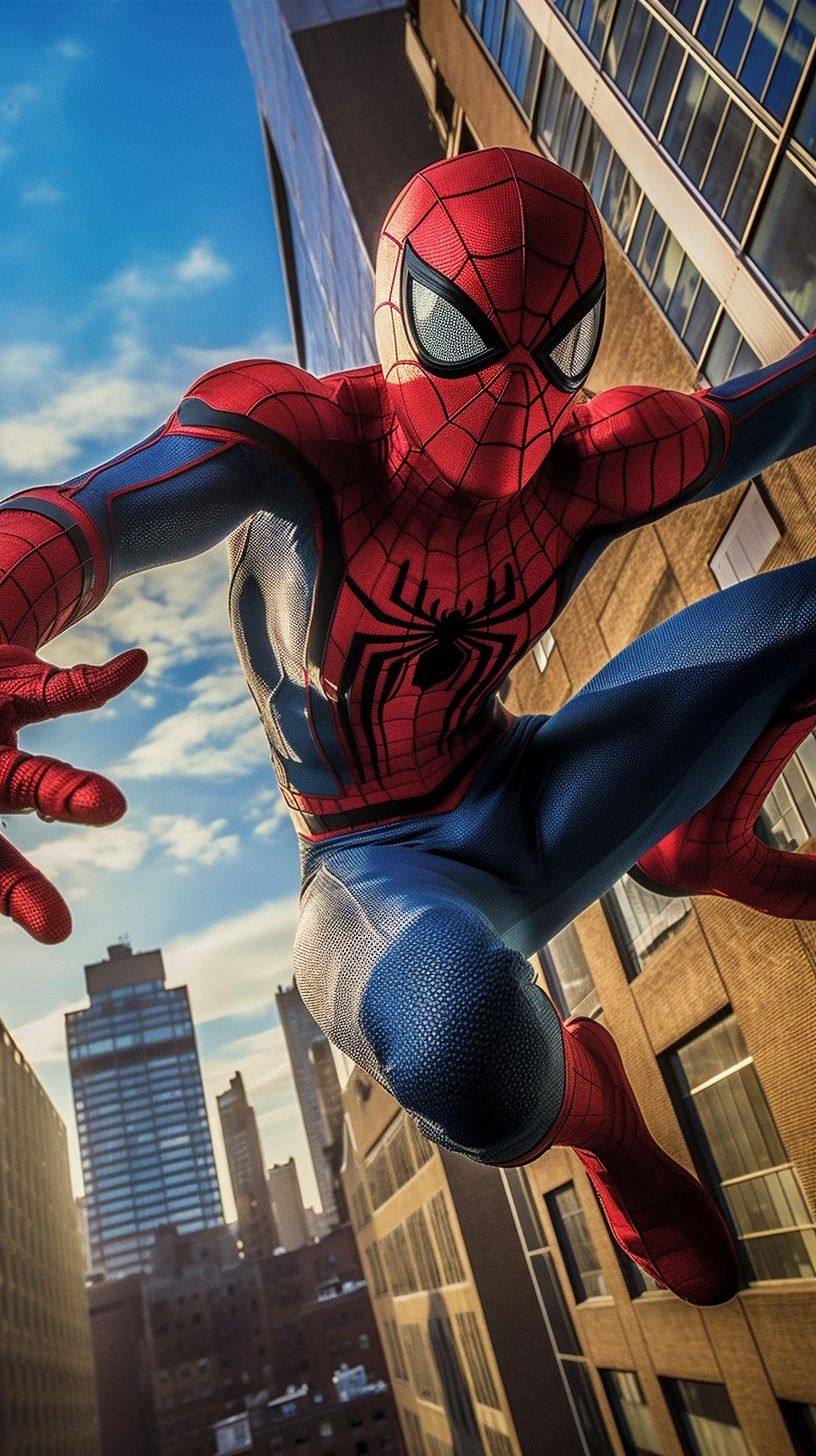
The first image uses the width attribute (set to 128 pixels), but the style in the head section overrides it, and sets the width to 100%.

The second image uses the style attribute to set the width to 128 pixels, this will not be overridden by the style in the head section:

It is common to store images in a sub-folder. You must then include the folder name in the src attribute:

HTNL allows moving images

The image is a link. You can click on it.
Float the image to the right:
A paragraph with a floating image. A paragraph with a floating image. A paragraph with a floating image.
Float the image to the left:
A paragraph with a floating image. A paragraph with a floating image. A paragraph with a floating image.